Table of Contents
ToggleSmart home technology has evolved from luxury gadgets to practical home systems that DIYers can install themselves, but only if they know what they’re doing. The difference between a smooth setup and a weekend of frustration often comes down to proper training. Whether someone’s installing their first smart thermostat or planning a whole-home automation system, understanding the fundamentals of device configuration, network protocols, and integration troubleshooting saves time, money, and prevents costly mistakes. Smart home installation training equips homeowners with the skills to confidently tackle these projects without relying on expensive professional installers.
Key Takeaways
- Smart home installation training enables homeowners to handle 80% of installations independently, saving $1,500–$5,000 in labor costs compared to hiring professional installers.
- Understanding device protocols (Wi-Fi, Zigbee, Z-Wave, Thread), network security, and ecosystem compatibility prevents costly mistakes and compatibility nightmares.
- Essential skills include proper device setup and configuration, network troubleshooting using systematic diagnosis rather than factory resets, and reading device specifications correctly before purchasing.
- Avoid common installation mistakes like skipping network assessment, ignoring protocol compatibility, poor device placement, and mixing too many smart home ecosystems.
- Start with single-room pilot projects using flexible learning paths like online courses, manufacturer certifications, or community college programs before expanding to whole-home automation.
- Maintain proper documentation with device serial numbers and specifications, ensure backup access methods for smart locks, and verify local building codes before DIY hardwired installations.
What Is Smart Home Installation Training and Why You Need It
Smart home installation training teaches the practical skills needed to set up, configure, and maintain connected devices throughout a home. It covers everything from basic device pairing to advanced network configuration and system integration.
Unlike traditional electrical work, smart home installation is mostly low-voltage and doesn’t typically require a licensed electrician, though hardwired devices like smart switches and wired security cameras may need one. Most training programs focus on wireless protocols (Wi-Fi, Zigbee, Z-Wave, Thread), mobile app configuration, and ecosystem compatibility.
The primary reason homeowners pursue this training is cost savings. Professional smart home installation can run $80-$150 per hour, and whole-home systems often total $1,500-$5,000 in labor alone. With proper training, a DIYer can handle 80% of installations independently, calling in pros only for structural modifications or electrical panel work.
Training also prevents compatibility nightmares. Someone who understands protocol differences won’t buy a Zigbee hub expecting it to control Z-Wave devices, or install a smart lock that requires a neutral wire in a box that doesn’t have one. It’s about making informed decisions before opening boxes.
Another benefit: troubleshooting skills. When devices won’t pair, networks drop connections, or automations fail, trained installers can diagnose issues systematically rather than factory-resetting everything in frustration. Proper training teaches the difference between a 2.4GHz vs. 5GHz Wi-Fi issue, a mesh network problem, or a device firmware bug.
For renters or apartment dwellers, training emphasizes non-permanent installations, smart plugs, battery-powered sensors, and removable adhesive mounts, that won’t violate lease terms or require patching holes when moving out.
Essential Skills Covered in Smart Home Training Programs
Comprehensive smart home training programs break down into several core competency areas. The best programs combine theoretical knowledge with hands-on practice.
Device Setup and Configuration
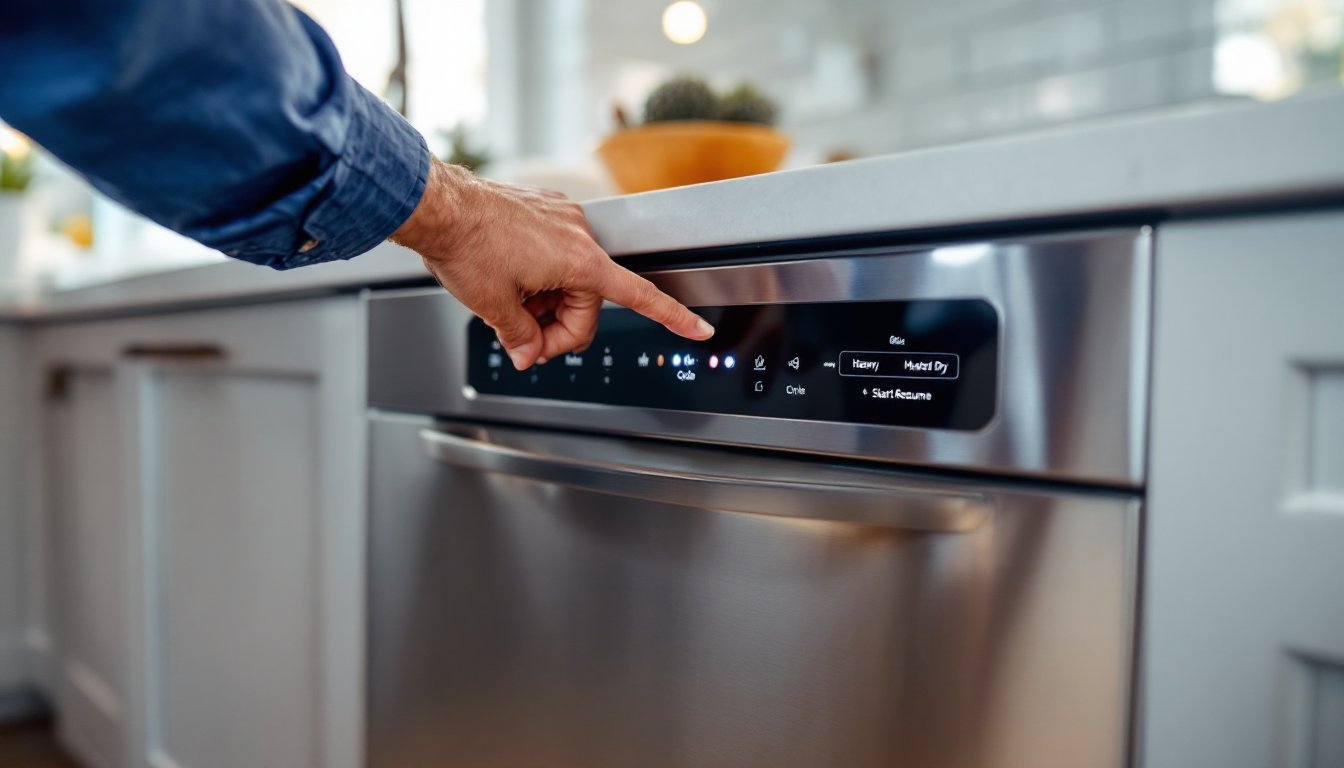
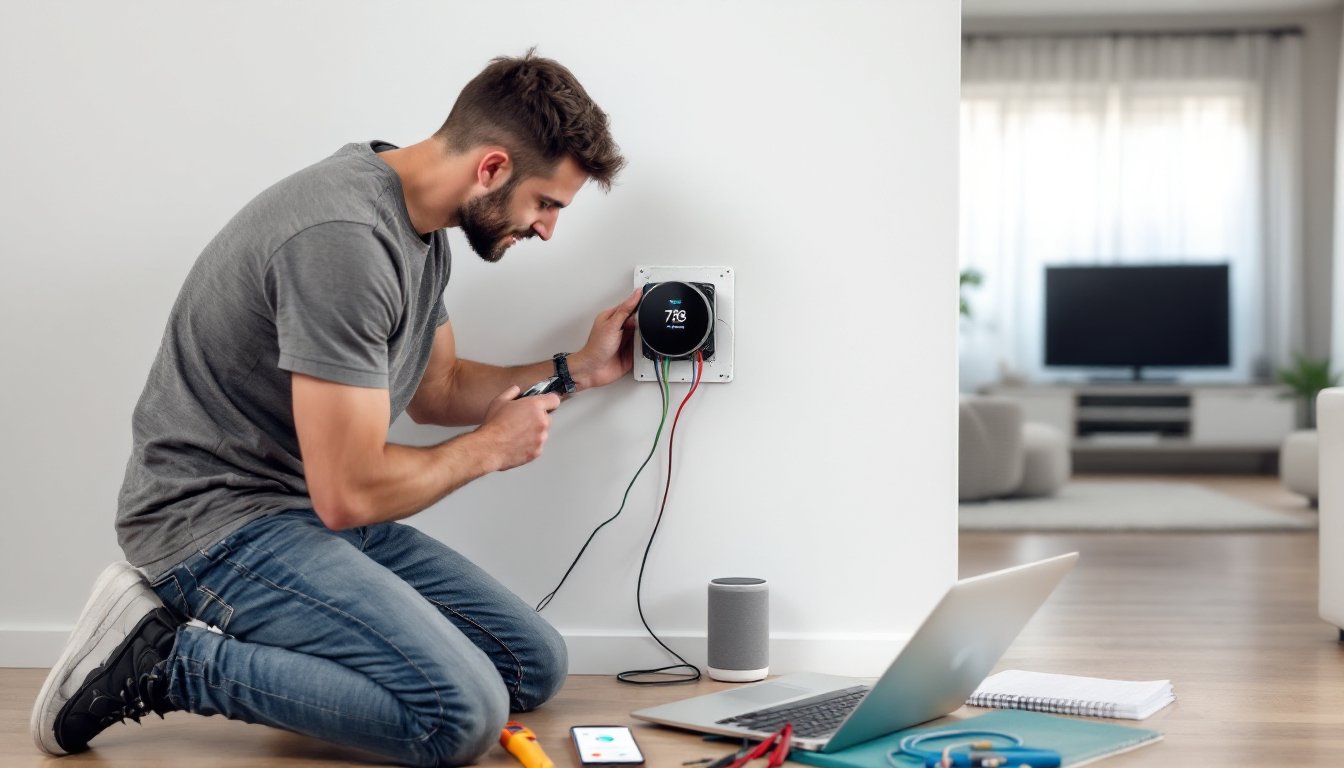
This foundational skill covers the physical installation and initial setup of smart devices. Trainees learn to properly mount smart thermostats (identifying C-wire requirements and installing power adapters when needed), install smart door locks (understanding backset measurements and ANSI grading), and position motion sensors for optimal detection zones without false triggers.
Configuration training includes pairing devices with hubs and controllers, naming conventions for voice assistant compatibility, and creating device groups for coordinated control. Students practice with multiple ecosystems, Amazon Alexa, Google Home, Apple HomeKit, Samsung SmartThings, understanding each platform’s strengths and limitations.
A critical component is reading device specifications correctly. Training teaches how to interpret lumens vs. watts for smart lighting options, viewing angles for security cameras, and detection ranges for sensors. It also covers installation best practices: using wall anchors rated for device weight, running cables through walls without damaging load-bearing members, and maintaining proper clearances around heat-generating devices.
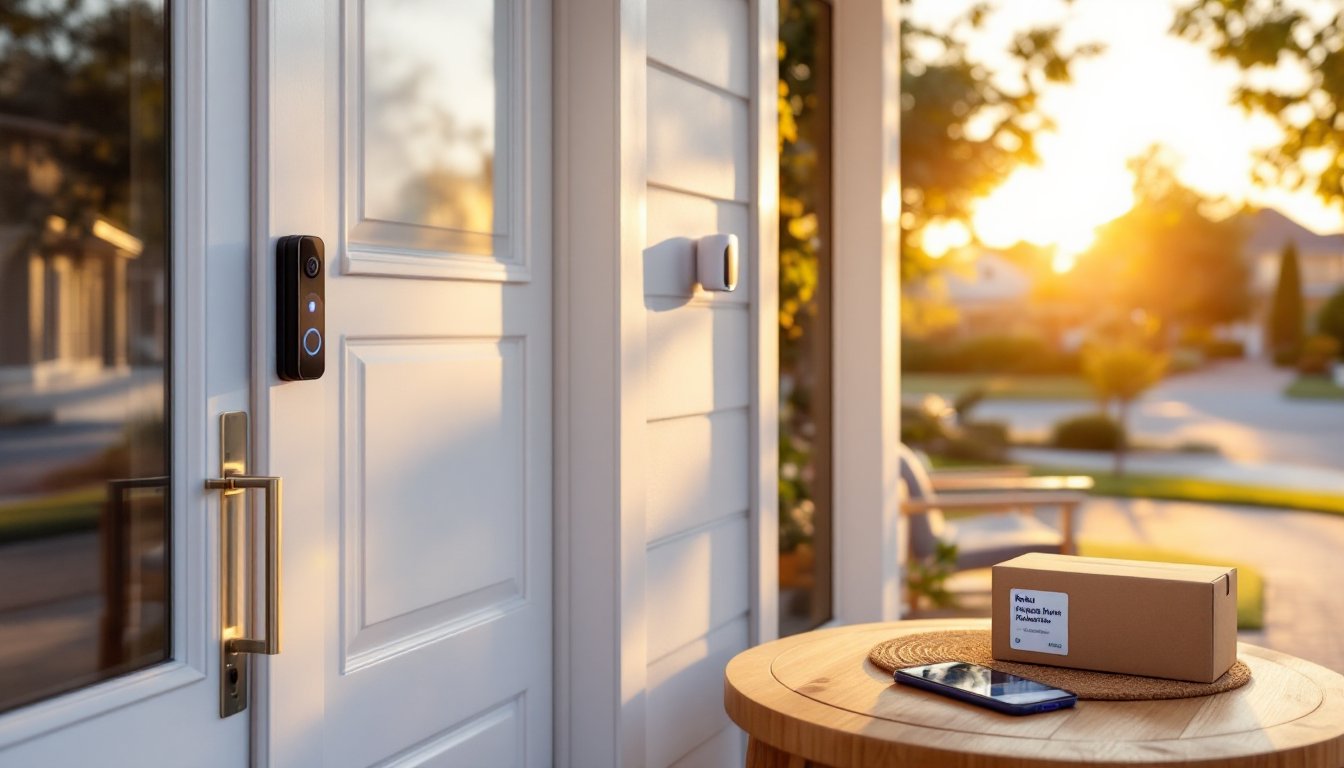
Practical exercises include replacing standard light switches with smart switches (identifying line vs. load wires, testing with a non-contact voltage tester, and properly securing wire nuts), installing video doorbells (drilling pilot holes, connecting to existing doorbell transformers or using plug-in adapters), and mounting indoor/outdoor cameras with appropriate weatherproof housings.
Network Security and Troubleshooting
Network fundamentals separate successful smart home installations from frustrating failures. Training covers router placement for optimal coverage, channel selection to minimize interference, and bandwidth management when running multiple streaming cameras.
Security training emphasizes creating separate guest networks for IoT devices, changing default passwords, enabling WPA3 encryption, and understanding why smart home devices shouldn’t share networks with computers containing financial data. Students learn to configure firewall rules and disable UPnP (Universal Plug and Play) when unnecessary.
Troubleshooting skills include using Wi-Fi analyzer apps to identify dead zones and interference, checking DHCP lease tables for device connectivity, and interpreting error codes in device logs. Training also covers home control systems that coordinate multiple devices, including how to manage software updates without breaking automations and how to back up configurations before major changes.
Advanced topics include setting up VLANs (Virtual Local Area Networks) for device isolation, configuring static IP addresses for critical devices, and understanding when a standard router won’t cut it and a mesh Wi-Fi system or dedicated IoT router is necessary. Safety warnings emphasize never disabling security features just to make setup easier.
Best Learning Paths for DIY Smart Home Installers
Multiple training paths exist for DIYers, each with different time commitments and depth.
Online video courses offer the most flexible option. Platforms like Udemy, Coursera, and YouTube channels dedicated to smart home tech provide step-by-step tutorials. Quality varies significantly, look for instructors who show actual installations rather than just product unboxings. The best courses demonstrate common mistakes and how to fix them. Expect to spend 8-15 hours on a comprehensive beginner course.
Manufacturer certification programs are worth considering for DIYers planning extensive installations. Companies like Control4, Savant, and Crestron offer training, though these typically target professional installers. More accessible options include Ring’s Pro installer training and Nest Pro certifications, which are free or low-cost. These programs provide deep dives into specific product lines and often include troubleshooting flowcharts not available in consumer documentation.
Community college continuing education courses occasionally offer smart home installation modules within electrical or home automation programs. These hands-on classes provide access to tools and practice installations under instructor supervision. Cost ranges from $150-$400 for a 6-8 week course.
DIY workshops at home improvement stores like Home Depot and Lowe’s periodically offer free 60-90 minute sessions on smart home basics. While surface-level, these provide hands-on demos and opportunities to ask questions. They’re best for absolute beginners deciding if smart home installation interests them.
Online forums and communities serve as ongoing training resources. Communities discussing smart home integration and subreddits like r/homeautomation and r/smarthome contain thousands of installation logs, compatibility matrices, and troubleshooting threads. Reading through real-world problems and solutions builds troubleshooting instincts that formal courses can’t replicate.
Start with a single-room pilot project rather than whole-home installations. Master one protocol (Wi-Fi devices are easiest to start with) before expanding to Zigbee or Z-Wave networks that require hubs. Many apartment-friendly smart devices make excellent beginner projects since they’re non-permanent and low-risk.
For DIYers comfortable with basic electrical work, the National Electrical Code (NEC) Article 725 covers low-voltage wiring requirements. While not strictly necessary for wireless installations, understanding these standards helps with hardwired devices and future-proofs knowledge if someone decides to install structured wiring.
Common Mistakes to Avoid During Smart Home Installation
Even trained DIYers make predictable mistakes. Learning from others’ errors saves time and equipment.
Skipping network assessment before buying devices tops the list. Installing ten Wi-Fi cameras on a router that struggles with Netflix streaming creates guaranteed problems. Before purchasing, verify the router can handle additional devices and has sufficient bandwidth. Many ISP-provided routers cap at 15-20 connected devices. Check current device count in the router’s admin panel before adding smart home gear.
Ignoring protocol compatibility wastes money. A Z-Wave door sensor won’t connect to a Zigbee hub, period. Before buying, confirm the device protocol matches the hub or works directly with the chosen voice assistant. Reading reviews isn’t enough, check the manufacturer’s spec sheet for protocol and version numbers (Z-Wave Plus, Zigbee 3.0, etc.).
Poor device placement undermines performance. Motion sensors aimed at heating vents trigger false alerts. Smart speakers placed in corners sound muddy and mishear commands. Wi-Fi cameras installed 40 feet from the router drop connections. Manufacturers publish recommended installation heights and detection angles, follow them. For cameras, position them 7-9 feet high for facial recognition, not at ceiling height looking down at scalps.
Rushing through firmware updates causes automation failures. Many devices ship with outdated firmware that patches are issued to fix. Always update firmware before configuring automations. Set a reminder to check for updates monthly. Enable automatic updates cautiously, occasionally they break integrations with third-party systems.
Overlooking physical security for smart locks creates vulnerabilities. The best electronic locks with advanced features won’t protect against kick-in attacks if installed in a hollow-core door or with 1-inch screws. Use 3-inch screws in strike plates that reach wall studs. Consider a door reinforcement kit for exterior doors. Smart security is only as strong as the weakest physical component.
Neglecting backup access methods locks homeowners out. Battery-powered smart locks need fresh batteries replaced annually, set a calendar reminder. Wi-Fi-dependent devices become useless when the internet goes down: consider which functions need local control. Always maintain physical keys or backup access codes.
Inadequate documentation makes troubleshooting difficult months later. Photograph device serial numbers, save original packaging with model numbers, and create a spreadsheet listing device names, locations, protocols, and purchase dates. When one device in a 15-device system malfunctions, this documentation makes identification quick.
Mixing too many ecosystems creates management headaches. Stick with one primary ecosystem (Alexa, Google, or Apple) and verify every device works with it before purchasing. Cross-platform systems require additional hubs and create more failure points.
DIYing hardwired installations without permits risks insurance claims and resale issues. Installing hardwired smart switches, ceiling fans with smart controls, or anything requiring work inside the electrical panel typically requires permits. Check local building codes before starting. Hiring a licensed electrician for two hours of rough work while handling the rest DIY often makes sense. Professional installation costs vary significantly by region and complexity, with whole-home systems ranging from $1,500-$5,000 in labor alone, making strategic DIY particularly valuable.
Conclusion
Smart home installation training transforms intimidating technology into manageable weekend projects. With foundational knowledge of device configuration, network security, and systematic troubleshooting, homeowners can build reliable automation systems tailored to their needs. Start with a single room, master one protocol, and expand gradually, there’s no requirement to automate everything at once. The skills learned during these installations pay dividends in both cost savings and the confidence to adapt systems as technology evolves.