Table of Contents
ToggleInstalling smart home technology isn’t about chasing the latest gadgets, it’s about creating a safer, more comfortable living environment that supports independence as we age. For seniors choosing to age in place, the right devices can mean the difference between struggling with daily tasks and maintaining autonomy. These aren’t complicated systems that require an IT degree. Most modern smart home devices connect through Wi-Fi, respond to voice commands, and can be installed without running new wire or cutting into drywall. The key is choosing devices that solve real problems, fall detection, medication reminders, easier climate control, rather than adding complexity for its own sake.
Key Takeaways
- Smart home devices for seniors prioritize solving real problems like fall detection, medication reminders, and climate control rather than adding unnecessary complexity.
- Voice-activated assistants (Alexa, Google Assistant, or Siri) serve as the best entry point for smart home technology, eliminating the need for physical interaction or technical expertise.
- Safety devices including video doorbells, smart locks, motion-sensor lighting, and smoke detectors directly prevent injuries and emergencies without requiring professional installation.
- Health monitoring integration—such as fall detection systems, medication dispensers, and smart scales—works best as part of a broader care plan involving family and healthcare providers.
- Successful smart home adoption for seniors depends on simplifying setup, choosing a single ecosystem, and assigning one family member as the tech support contact.
- Professional installation ($100–$300) is worth the investment for complex systems, as it ensures the senior actually uses the devices rather than abandoning them due to setup frustration.
Why Smart Home Technology Matters for Aging in Place
Aging in place means staying in your own home safely and comfortably as mobility, vision, or cognitive abilities change. Smart home devices address specific challenges that come with aging without requiring a full home renovation.
These devices handle three critical areas: safety (fall detection, automatic lighting, gas leak sensors), health monitoring (medication reminders, vital sign tracking, emergency alerts), and daily convenience (voice-controlled thermostats, automated door locks, hands-free lighting). Unlike traditional assistive devices that can feel medical or institutional, home automation for seniors blends into everyday life.
The technology has matured significantly. Setup typically involves plugging in a device, downloading an app, and connecting to your home Wi-Fi network. No special wiring, no major installation costs. Many devices now use hub-free systems, meaning each device connects directly to your router rather than requiring a central control panel.
Be realistic about what technology can and can’t do. Smart devices augment safety but don’t replace regular check-ins, medical care, or professional caregivers when needed. They work best as part of a broader plan that includes family involvement and healthcare coordination.
Voice-Activated Assistants: The Gateway to Hands-Free Control
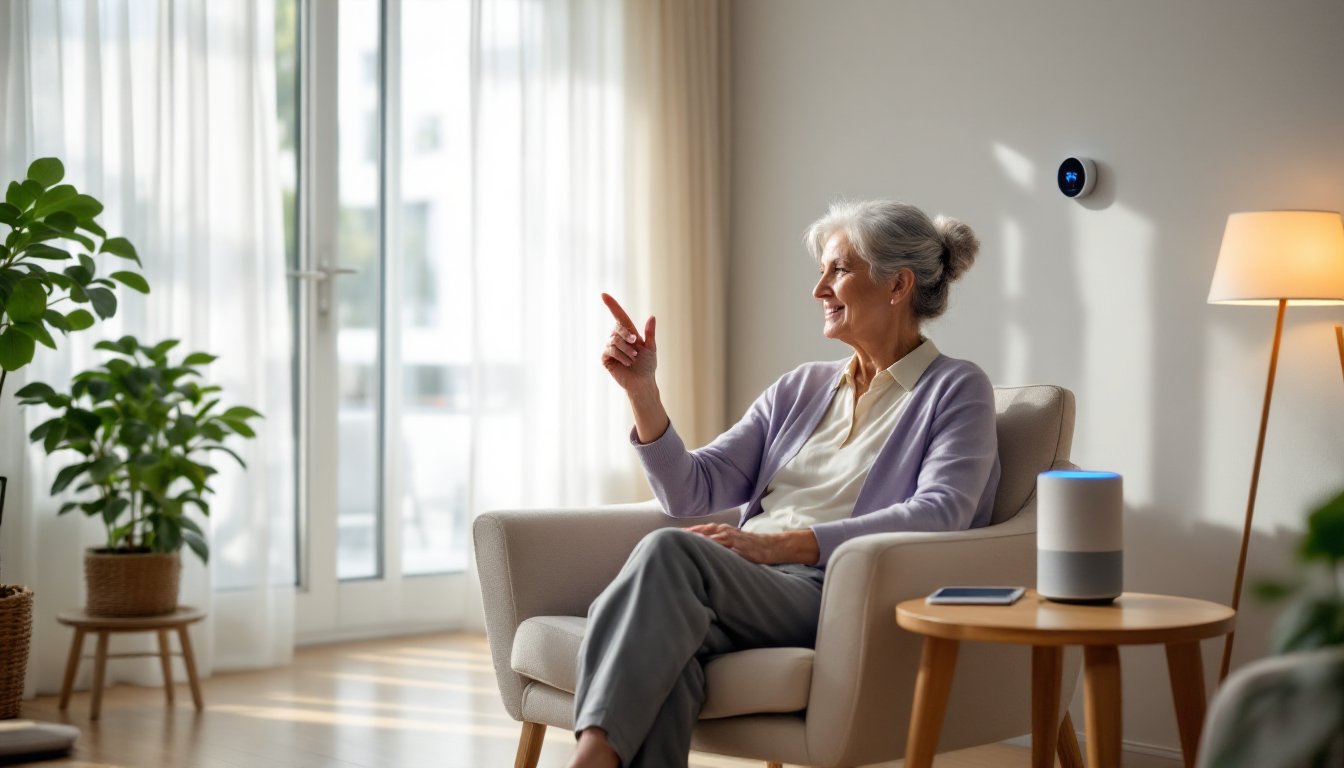
Voice assistants, Amazon Echo (Alexa), Google Nest (Google Assistant), or Apple HomePod (Siri), serve as the control hub for smart homes. They eliminate the need to navigate touchscreens or remember app passwords, which is crucial for seniors with arthritis, vision impairment, or limited tech experience.
These devices handle basic requests: setting timers for medications, checking weather, making phone calls, playing music or audiobooks, and controlling compatible smart devices. A simple “Alexa, turn on the bedroom light” beats fumbling for a wall switch in the dark.
Choose based on existing devices. If the household uses iPhones and iPads, HomePod integrates seamlessly. Amazon Echo offers the widest compatibility with third-party smart devices. Google Nest excels at answering questions and calendar management.
Setup considerations:
- Place the speaker in a central location where voice commands can be heard from multiple rooms (living room or kitchen counter work well)
- Enable Drop In or similar features that allow family members to check in via voice without requiring the senior to answer a call
- Disable purchasing features to prevent accidental orders
- Connect to a landline replacement service if needed, many voice assistants can make regular phone calls
According to expert testing on smart home devices, voice assistants rank as the most valuable entry point because they control other devices without requiring physical interaction. Start here, then add compatible devices gradually rather than installing everything at once.
Smart Safety and Security Devices Every Senior Should Consider
Safety devices address the most serious risks: falls, break-ins, fires, and gas leaks. These aren’t optional comfort upgrades, they’re legitimate safety improvements that can prevent injuries or save lives.
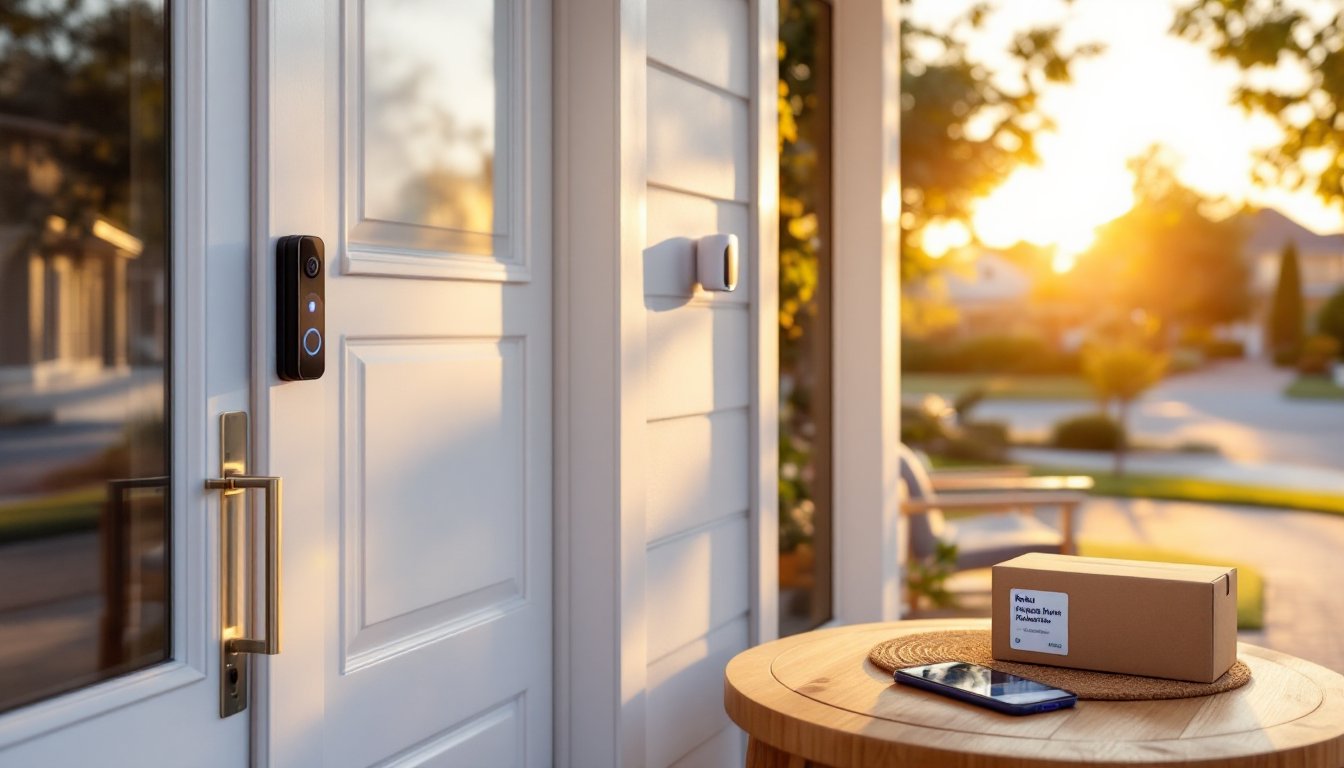
Video doorbells (Ring, Nest Hello, Arlo) let seniors see who’s at the door without walking to it or opening it. The camera streams to a smartphone or tablet, and two-way audio allows conversation with visitors. This prevents falls from rushing to answer the door and screens out unwanted solicitors. Most models require existing doorbell wiring (16-24V transformer), though battery-powered versions exist. Hardwired models are more reliable.
Smart door locks (August, Yale, Schlage Encode) eliminate the need to fumble with keys. They unlock via smartphone, keypad code, or voice command. Some models include auto-lock features that secure the door if it’s left open. Installation fits standard deadbolt prep (2-1/8″ cross bore, 1″ latch bore). Most seniors benefit from keypad models that don’t require a smartphone for every use.
Motion-sensor lighting prevents falls during nighttime bathroom trips. Battery-powered LED strip lights or plug-in night lights with motion sensors work well under beds or along hallways. No electrical work required. Brands like Philips Hue or GE Cync offer smart bulbs that can be programmed to turn on automatically at dusk or when motion is detected.
Smart smoke and carbon monoxide detectors (Nest Protect, First Alert Onelink) send alerts to smartphones when triggered, even if no one’s home. They announce the type of emergency verbally rather than just beeping, which helps seniors with hearing loss understand the threat. These replace standard detectors and mount to existing junction boxes or ceiling surfaces. Many devices tested in comparative reviews of senior-focused smart home gadgets prioritize clear audio alerts and remote notifications.
Install detectors in every bedroom, outside each sleeping area, and on every level of the home per NFPA 72 guidelines. Test monthly and replace batteries annually (or choose hardwired models with battery backup).
Health Monitoring and Emergency Response Technology
Health monitoring devices track vital signs, detect falls, and connect seniors to emergency services when needed. These go beyond traditional medical alert pendants by integrating with smart home ecosystems.
Medical alert systems with fall detection (Medical Guardian, Life Alert, Bay Alarm Medical) use accelerometers and GPS to detect sudden falls and automatically contact emergency services or family members. Modern versions use cellular connectivity rather than landlines and work both inside and outside the home. Monthly monitoring fees typically range from $30-$50 depending on features and service level.
Some systems now integrate with voice assistants, allowing seniors to call for help verbally without pressing a button. This matters during falls that pin arms or cause disorientation.
Medication dispensers (Hero, MedMinder, Pria) organize pills by time and day, then alert the user when it’s time to take them. Advanced models lock compartments to prevent double-dosing and send notifications to family members if doses are missed. Setup involves programming the schedule through an app or web portal, consider asking a pharmacist to assist with initial loading to ensure accuracy.
Smart scales and blood pressure monitors (Withings, Omron) sync data to smartphones, allowing family members or doctors to track trends remotely. This catches gradual changes that might indicate worsening heart failure or medication side effects before they become emergencies.
These devices complement, but don’t replace, regular medical care. Share data with physicians and discuss patterns during appointments. Also verify that monitoring services are UL certified or meet similar safety standards, particularly for emergency response systems that connect to dispatch centers.
Smart Lighting and Climate Control for Daily Comfort
Lighting and temperature control affect daily comfort more than any other smart home category. The right setup reduces physical strain and lowers utility bills.
Smart thermostats (Nest Learning Thermostat, Ecobee, Honeywell Home) learn temperature preferences and adjust automatically. They can be controlled by voice, smartphone, or the device itself. For seniors with mobility issues, adjusting temperature without walking to the thermostat matters, especially during extreme weather.
Installation requires turning off power at the breaker, removing the old thermostat, and connecting typically 4-8 low-voltage wires (labeled R, W, Y, G, C, etc.) to corresponding terminals. Most systems need a C-wire (common wire) for continuous power. If your system lacks one, adapter kits are available, or hire an HVAC tech for roughly $150-$250 to run one. The devices discussed in expert roundups of the best devices for elderly users often highlight thermostats that offer large touchscreens and simplified interfaces.
Smart lighting offers more than convenience. Adjustable color temperature helps with circadian rhythm, cool white light (5000K-6500K) during the day promotes alertness, while warm white (2700K-3000K) in the evening supports better sleep. Brands like Philips Hue or LIFX offer bulbs that adjust color temperature automatically or on command.
Installation is simple: screw in smart bulbs like regular bulbs (most fit standard E26 medium base sockets), then connect them via an app. For whole-room control, consider smart home solutions that include compatible switches, Lutron Caseta or Leviton Decora smart dimmers replace existing switches and control any bulb, smart or not. Wiring requires basic electrical knowledge: turn off power at the breaker, remove the old switch, connect hot (black), neutral (white), and ground (bare copper) wires per the instructions.
Safety note: If you’re uncomfortable working with electrical wiring, hire an electrician. Rates typically run $75-$150 per hour, and switch replacement takes 15-30 minutes per switch.
Setting Up and Simplifying Smart Home Devices for Seniors
The most common smart home failure isn’t device malfunction, it’s user abandonment because the system feels too complicated. Setup and ongoing management need to be as simple as the devices themselves.
Initial setup checklist:
- Verify Wi-Fi coverage in all areas where devices will be installed. Seniors living in larger homes may need a mesh Wi-Fi system (Eero, Google Nest Wifi) to eliminate dead zones. These replace or extend existing routers and provide consistent coverage across 3,000-5,000 square feet depending on the model.
- Create a single ecosystem when possible. Mixing Amazon, Google, and Apple devices adds complexity. Pick one platform and stick with it unless there’s a compelling reason to mix.
- Simplify passwords by using a password manager (1Password, Bitwarden) or writing down login credentials in a secure location. Smart home devices require app accounts, and forgotten passwords derail everything.
- Label devices clearly in apps. “Bedroom lamp” is better than “Philips Hue Bulb 3.”
- Disable unnecessary features. Most devices include features that aren’t needed, turn off purchasing, complex routines, or third-party integrations that add confusion.
Ongoing support:
Assign a family member or trusted friend as the “tech contact” who handles troubleshooting and updates. Many smart home device installations benefit from periodic check-ins to ensure everything still works as intended and software updates haven’t changed interfaces.
Consider professional installation for complex systems. Companies like Best Buy Geek Squad or local smart home installers charge $100-$300 for setup but ensure everything works correctly from day one. It’s worth the cost if it means the senior actually uses the devices.
Security basics:
Smart devices connect to the internet, which creates potential security risks. Enable two-factor authentication on all accounts, keep devices updated with the latest firmware, and change default passwords immediately. For more detailed guidance, review recommendations on how to secure your devices to prevent unauthorized access.
Don’t install devices that collect unnecessary data. A smart speaker that controls lights doesn’t need access to contact lists, location, or browsing history. Review app permissions and disable anything that’s not essential.
Conclusion
Smart home devices support independence when chosen thoughtfully and installed correctly. Focus on solving specific problems, falls, medication management, temperature control, rather than buying technology for its own sake. Start with one or two devices, ensure they’re being used successfully, then expand gradually. The goal isn’t a fully automated home: it’s a safer, more comfortable living environment that allows seniors to age in place with dignity and autonomy.